


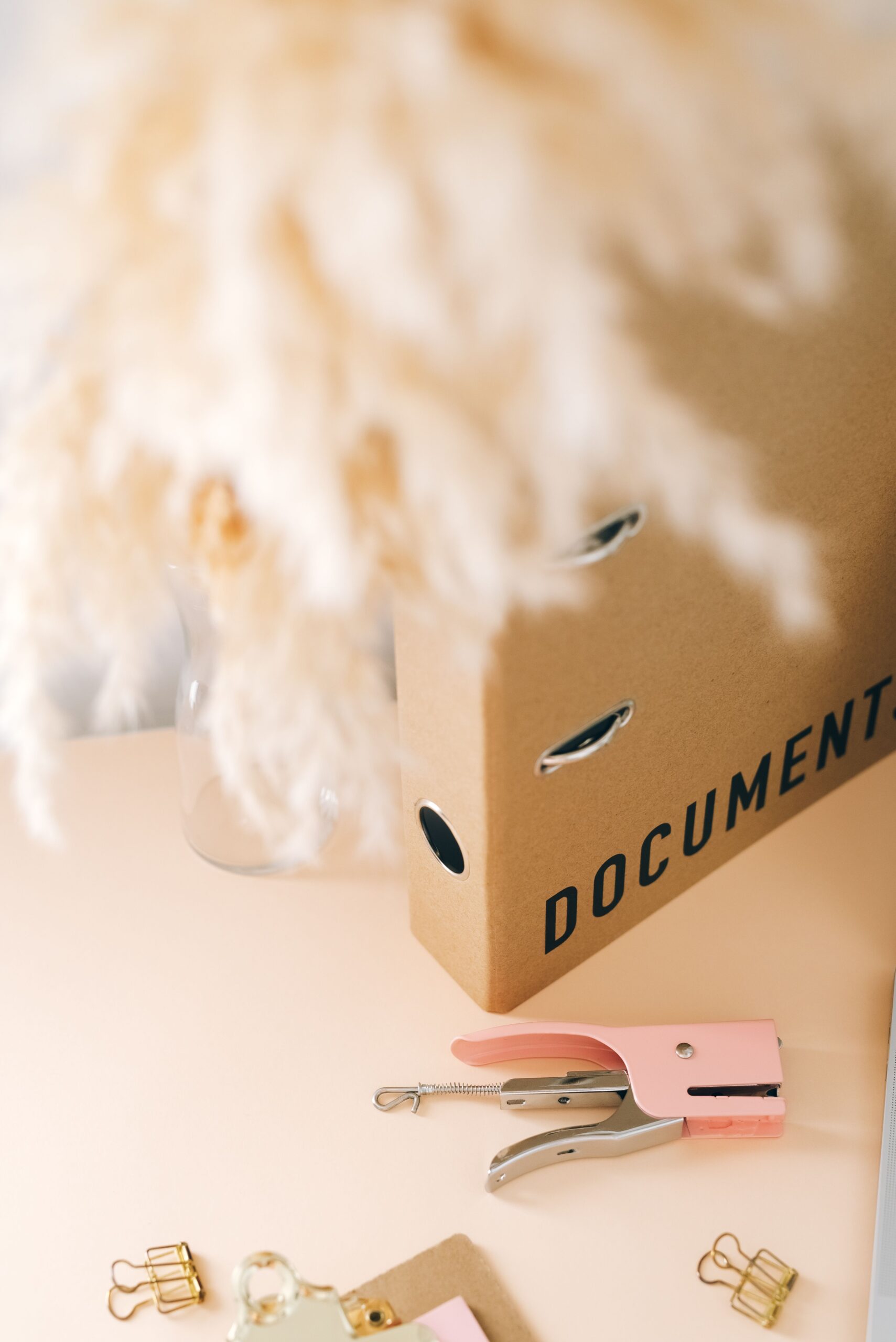
Feeling overwhelmed by home paperwork, maintenance tasks, and important documents? Here is exactly how to set up a home management binder that keeps everything organized and actually gets used.
If you have ever spent 20 minutes looking for an appliance warranty, forgotten when you last had your HVAC serviced, or realized you have no idea where your homeowner’s insurance policy is, this post is for you.
Homeownership comes with a surprising amount of paperwork, tasks, and information to keep track of. Most people manage it by stuffing things in drawers, saving random photos on their phone, and hoping they can find what they need when they need it.
There is a better way.
A home management binder is the simplest and most effective system for running your home confidently. Everything in one place. Always findable. Always up to date. This post walks you through exactly what to include, how to set it up, and how to actually keep using it long after the new homeowner excitement wears off.
This post contains affiliate links. If you purchase through these links we may earn a small commission at no extra cost to you. We only recommend products we genuinely believe in.
WHAT IS A HOME MANAGEMENT BINDER?
A home management binder is exactly what it sounds like. A dedicated binder or digital document that holds all the important information about your home in one organized place.
Think of it as the manual your home never came with.
It is not a junk drawer. It is not a stack of folders you never open. It is an intentional system with specific sections for specific information so you can find anything you need in under two minutes.
Some people keep a physical binder on a shelf in their home office or kitchen. Others keep a digital version on their laptop or tablet. Either works. What matters is that you actually use it.
WHY EVERY NEW HOMEOWNER NEEDS ONE
When we built our home from the ground up we ended up with an enormous amount of documentation. Building plans, appliance specs, contractor contacts, warranty paperwork, inspection reports, and more. Without a system to organize all of it we would have lost track of things that ended up saving us real money.
Having our builder warranty information organized and accessible meant we were able to make a warranty claim in our first year that covered a repair completely. Without that paperwork we would have paid out of pocket.
That is the practical case for a home management binder. It is not just about being organized. It is about protecting your investment and saving money when it matters.
WHAT TO INCLUDE IN YOUR HOME MANAGEMENT BINDER
Here are the ten sections every home management binder should have:
Section 1 — Home Profile The basics about your home in one place. Address, purchase date, square footage, lot size, year built, and any other key details. Also include your mortgage information, lender contact, and loan number. This section sounds simple but it is surprisingly useful to have everything in one spot rather than hunting through closing documents every time someone asks.
Section 2 — Important Contacts Every contractor, service provider, and emergency contact related to your home. Plumber, electrician, HVAC technician, roofer, pest control, landscaper, and your homeowner’s insurance agent. Add the name, phone number, and a note about what they have done for you. When something goes wrong at 9pm on a Sunday you will be very glad this section exists.
Section 3 — Appliance Tracker For every major appliance in your home note the brand, model number, serial number, purchase date, warranty expiration date, and where to find the manual. When an appliance needs service the technician will always ask for the model number. Having it written down saves a lot of frustrated searching behind refrigerators and under dishwashers.
Section 4 — Home Repair and Maintenance Log A running record of every repair, service call, and improvement made to your home. Date, description of work, who did it, and what it cost. This log is invaluable for insurance claims, resale value documentation, and simply understanding your home’s history. Start it on move-in day and never stop adding to it.
Section 5 — Seasonal Maintenance Checklists Spring, Summer, Fall, and Winter task lists for keeping your home running smoothly all year. If you already have our Seasonal Home Maintenance Checklist you can print it and add it directly to this section.
Section 6 — Utility Tracker Account numbers, provider names, and customer service numbers for every utility. Electric, gas, water, internet, trash, and any others. Also track your monthly costs so you can spot unusual spikes that might indicate a leak or efficiency problem.
Section 7 — Warranty and Document Tracker A master list of where to find every important document related to your home. Closing paperwork, title insurance, homeowner’s insurance policy, appliance warranties, contractor invoices, and permits. You do not need to store everything in the binder itself. Just note where each document lives so you can find it quickly.
Section 8 — Home Improvement Project Planner A place to plan and track any renovation or improvement projects. Scope of work, budget, contractor quotes, timeline, and notes. Whether you are planning a kitchen remodel or just replacing a faucet this section keeps projects organized and on budget.
Section 9 — Monthly Home Budget Tracker A simple monthly tracker for home related expenses. Mortgage, utilities, insurance, maintenance costs, and any unexpected repairs. Tracking this for a full year gives you a realistic picture of what your home actually costs to own and helps you build a maintenance fund that is appropriately sized.
Section 10 — Emergency Preparedness The location of every utility shutoff in your home. Main water shutoff, gas shutoff, and electrical panel. Emergency contacts. A basic supply checklist for power outages and severe weather. This section should be the first one you fill out on move-in day.
HOW TO SET IT UP
Option 1 — Physical binder: Pick up a 1.5 to 2 inch three ring binder and a set of divider tabs. Label each divider with your ten sections. Print your pages and organize them behind the right divider. Keep it somewhere accessible like a kitchen cabinet or home office shelf. The key is putting it somewhere you will actually go to it rather than tucking it away and forgetting it exists.
Option 2 — Digital binder: Keep everything in a dedicated folder on your laptop or a cloud service like Google Drive or Dropbox. Create subfolders for each section. Scan or photograph important documents and save them to the right folder. The advantage of digital is that it is always with you and impossible to lose in a house fire. The disadvantage is that it requires a little more discipline to keep updated.
Option 3 — Done for you: If you want to skip the setup and go straight to using it our Home Management Binder in the Etsy shop is a complete editable PDF with all ten sections already designed and ready to fill in. Print it and organize it in a binder or fill it in digitally on any device.
HOW TO ACTUALLY KEEP USING IT
Setting up a home management binder is the easy part. The harder part is keeping it updated so it stays useful rather than becoming another thing you ignore.
Here are the habits that make it stick:
Update the repair log immediately after every service call or repair. Do it while the details are fresh rather than trying to remember later.
Review the whole binder once a year. We do ours in January. Go through every section, update anything that has changed, and make sure everything is still accurate.
Add new contractor contacts as you find good ones. Your network of reliable service providers is one of your most valuable homeownership assets.
Keep it somewhere visible. A binder you can see is a binder you actually use. Tuck it away out of sight and it becomes decoration.
Do not wait until it is perfect to start using it. An incomplete binder that you actively update is far more valuable than a perfect binder you never start.
WHAT TO DO RIGHT NOW
If you are reading this in your first month of homeownership start with these three sections today:
First, fill out the Emergency Preparedness page. Know where your shutoffs are before you need them.
Second, start your Important Contacts list. Add your real estate agent, your inspector, and anyone who did work on the home before you moved in.
Third, start your Appliance Tracker. Pull out the appliance manuals that came with the home and note the model numbers before you lose track of them.
Everything else can be filled in gradually over your first few months. The goal is progress not perfection.
FINAL THOUGHTS
A home management binder will not make homeownership perfect. But it will make it significantly less stressful.
When something goes wrong, and something will always eventually go wrong, having your information organized means you spend your energy fixing the problem instead of hunting for paperwork. That is worth more than most people realize until the moment they actually need it.
Start simple. Stay consistent. And remember that the best home management system is the one you actually use.
Want the done for you version? Our Home Management Binder in the Etsy shop has all ten sections already designed and ready to fill in. Instant download, editable on any device, and ready to use the day you get your keys.
Already have your binder set up? Check out our Seasonal Maintenance Checklist for the complete year round task list to add to Section 5.